Good day, dear readers! Today we’ll explain how to change the language in the Telegram Prime app for international users.
As of this writing, Telegram Prime is available in three languages: Russian, English, and Simplified Chinese.
So, how do you change the language?

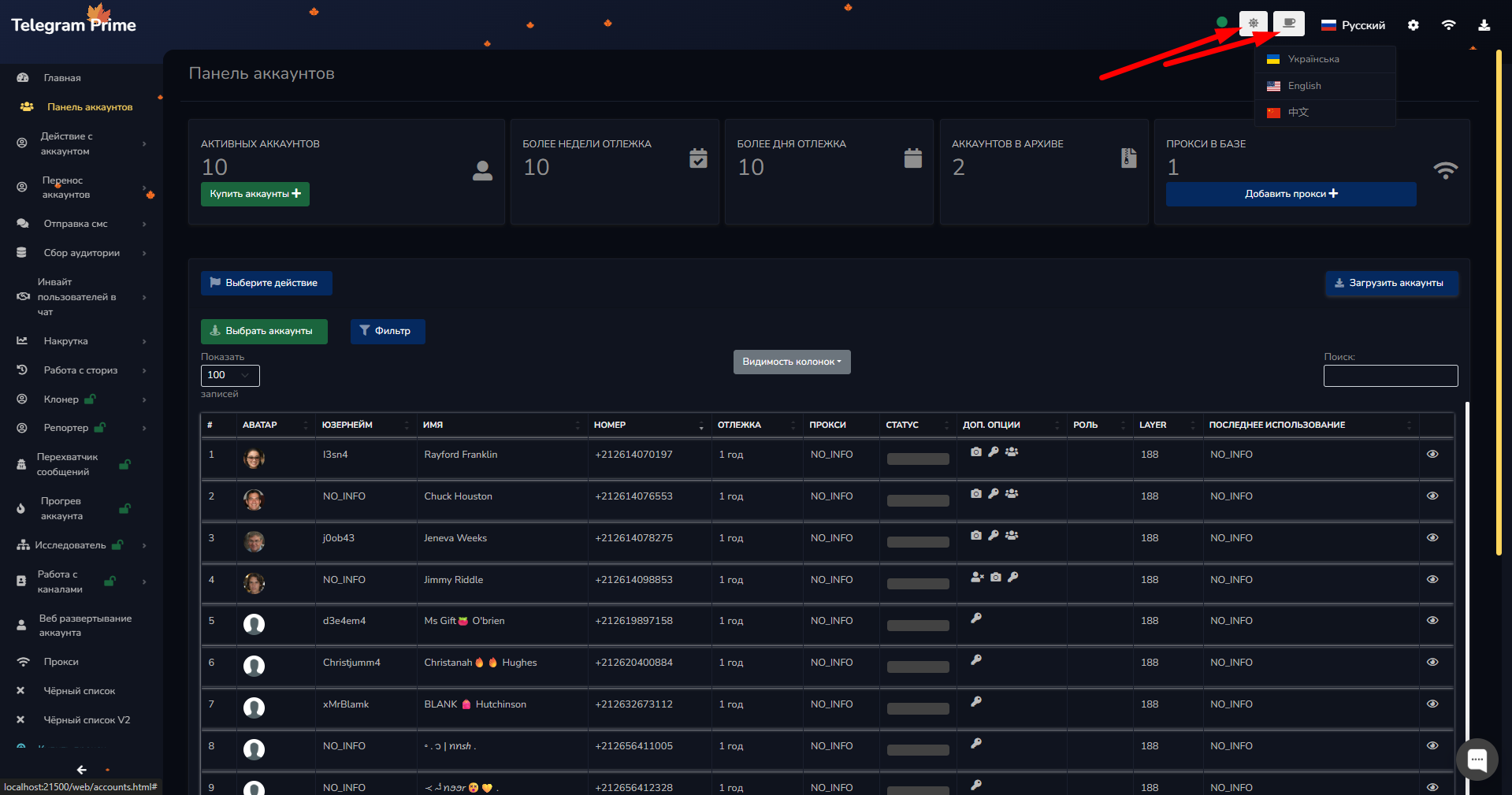
Just tap the flag and select the language you want from the list!
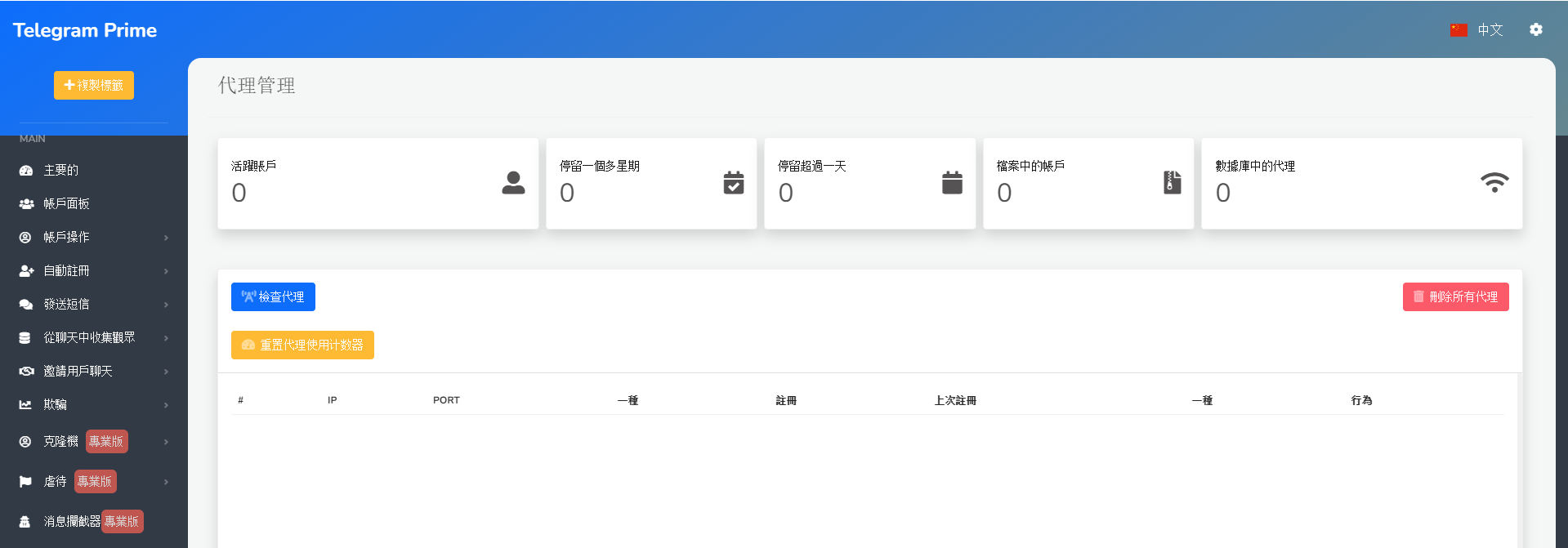
Now you can enjoy using Telegram Prime in your chosen language. By the way, you can use the app to learn Simplified Chinese! We hope this information was helpful.
Also, in the upper right corner, there are buttons that let you switch between a dark or light background, or enable animations of falling snow or leaves depending on the season.
Don’t forget that we have many other helpful articles in our guide section!