Hello, friends! For various reasons, we often need to search for channels and groups on Telegram based on specific criteria. For example, we might need to analyze our competitors’ channels or groups, or we might need to gather an audience from groups on a specific topic and invite—that is, add—these users to our own groups, or simply send them a mass message via private chat. Of course, you can search manually by typing a specific keyword into Telegram’s search bar, but while that’s possible, it takes quite a long time—it’s much easier to do it with our Telegram Prime program. Now I’ll show you how quickly and easily you can find groups (chats) and channels by keywords on Telegram. Launch the software, and as always before you start, check that your proxies and accounts are working. I want to point out right away that not all proxies are suitable for this task; for example, SmartProxy won’t work. If the task doesn’t start, try using different proxies or running it without a proxy by unchecking the box in the settings. Next, in the program, go to the “Search for Chats and Channels” tab and enter the keywords there that will be used for the search.

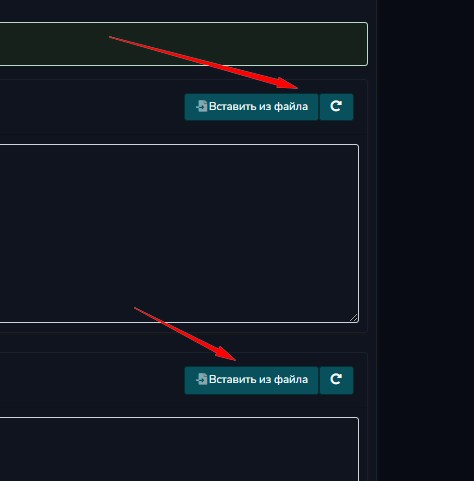
If you’ve already compiled a list of keywords, you can import them into the software directly from a file by clicking the corresponding buttons.
There are several settings you can configure; for example, you can select a language from the list. Next, check the filtering boxes—for example, to search only for channels or only for groups. The subscriber filter specifies the minimum number of members a group must have; the tool will only crawl groups with the specified number of subscribers. Also, as you know, there are specific directories containing chats and channels; if you check this box, the tool will collect data from those directories, but the language selection will not work in that case. There’s an option to crawl without a proxy; you can select this if you don’t have a suitable one. Once everything is set up, we can start searching for chats and channels on Telegram. I want to mention right away that the results aren’t 100% accurate, since Google handles the search—and it doesn’t always search very accurately. Essentially, it enters “site:t.me (name)” into Google like this, collects the results, and then filters them by groups and channels.

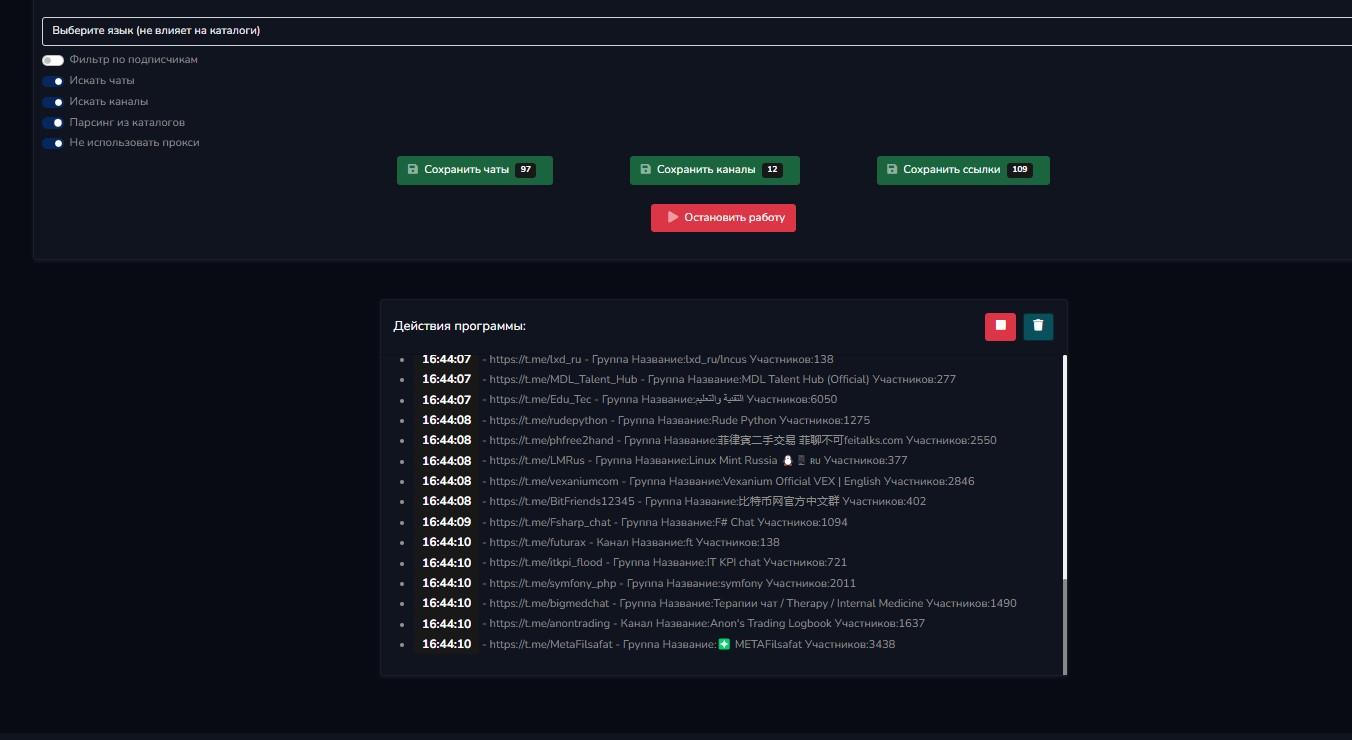
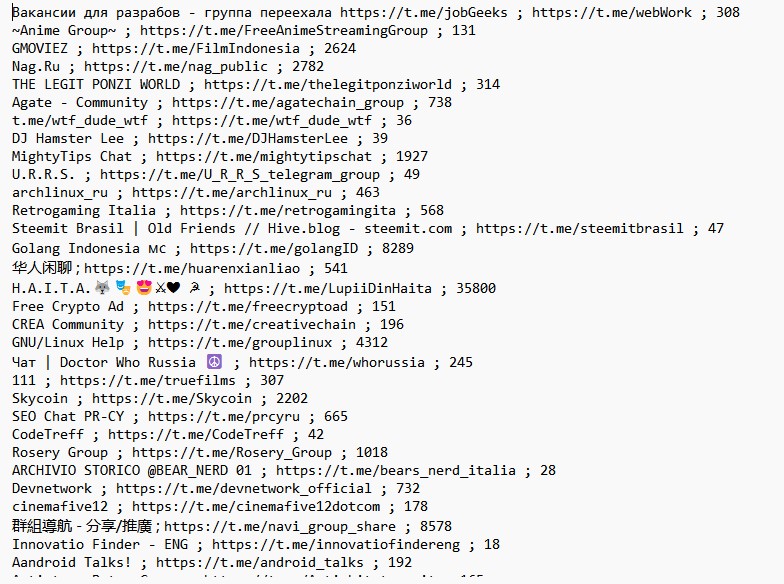
As you can see, the task runs without using a proxy and successfully finds channels and chats. At the top are three green buttons; clicking them will save the parsing results to your computer. That’s all, friends—if you liked the article, give it a like.