Good afternoon! Today we’ll take a look at the Telegram Prime settings, which are located in the corresponding section.

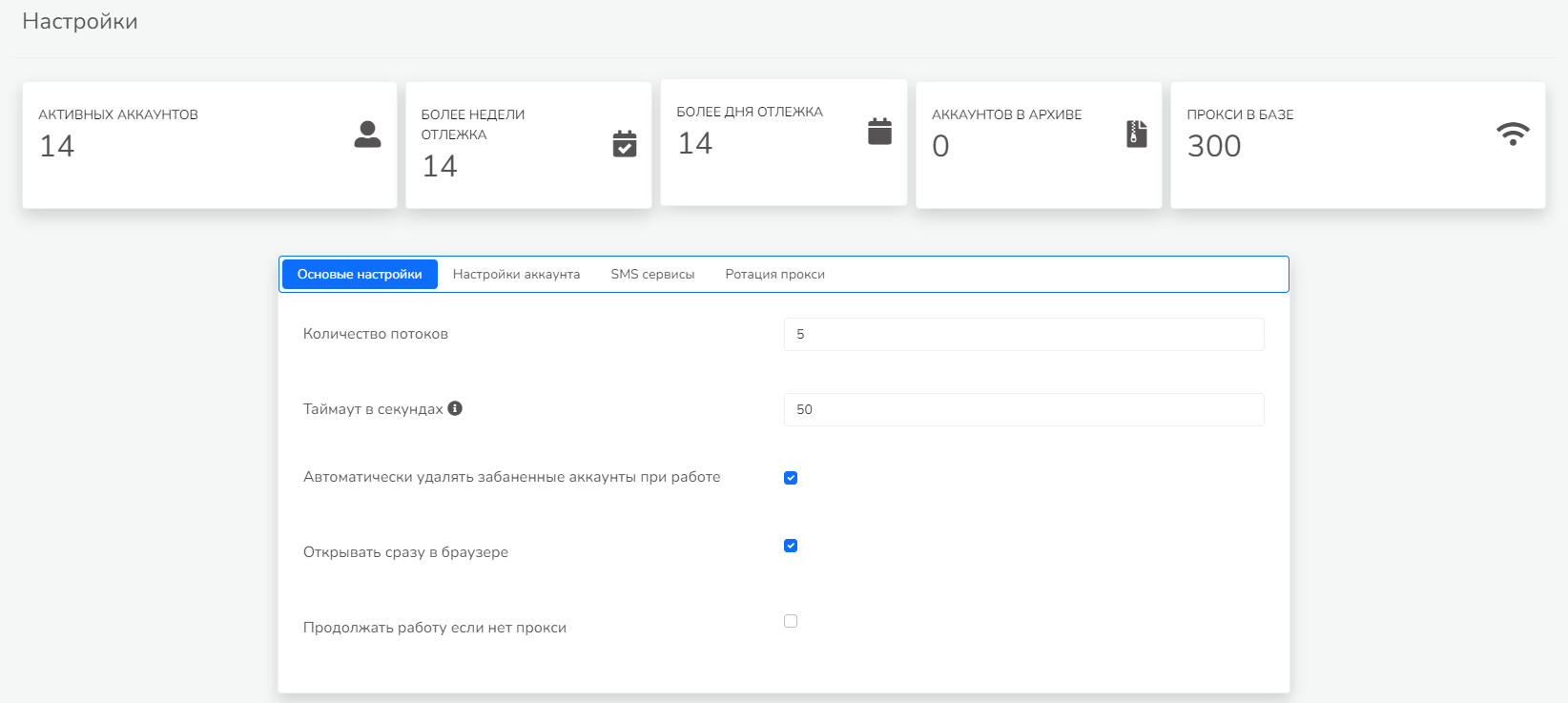
In the “Basic Settings” section, you can specify the number of threads for managing accounts, set a timeout for waiting for a response from the proxy, automatically delete banned accounts while working, and choose whether to open the program directly in the Telegram Prime interface or in your default browser.
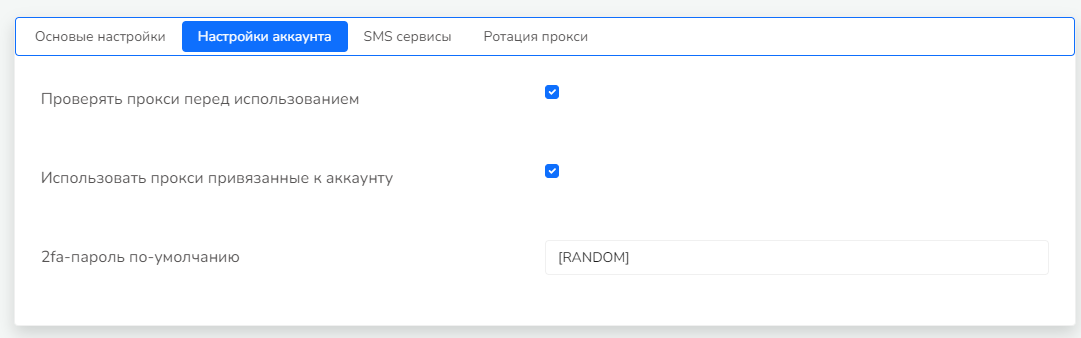
In the "Account Settings" section, you can choose whether to check proxies before use, whether to use the proxies stored in the account, and set a default 2FA password.
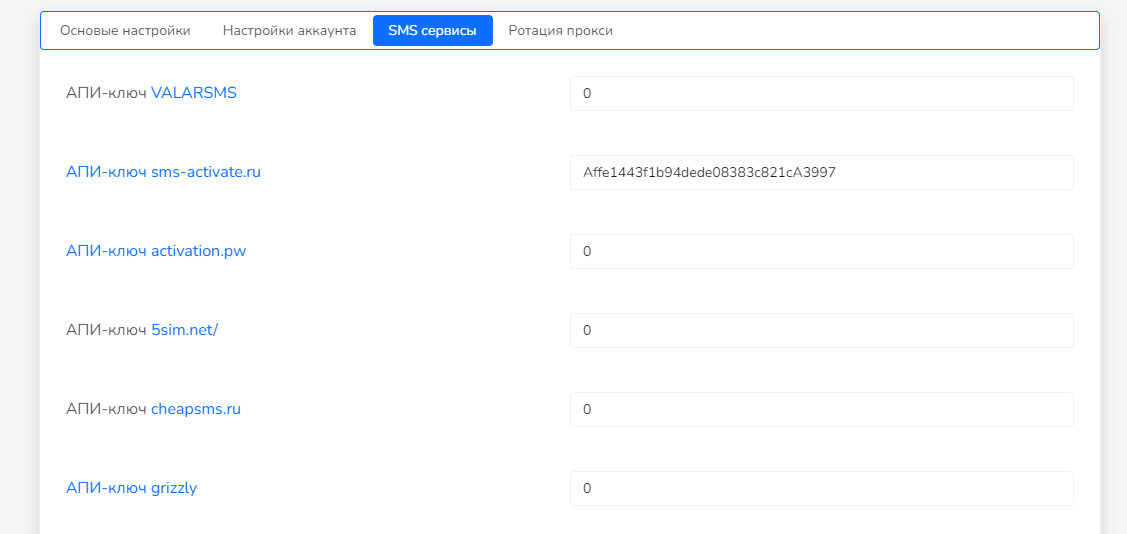
The "SMS Services" section allows you to enter API keys for SMS services.
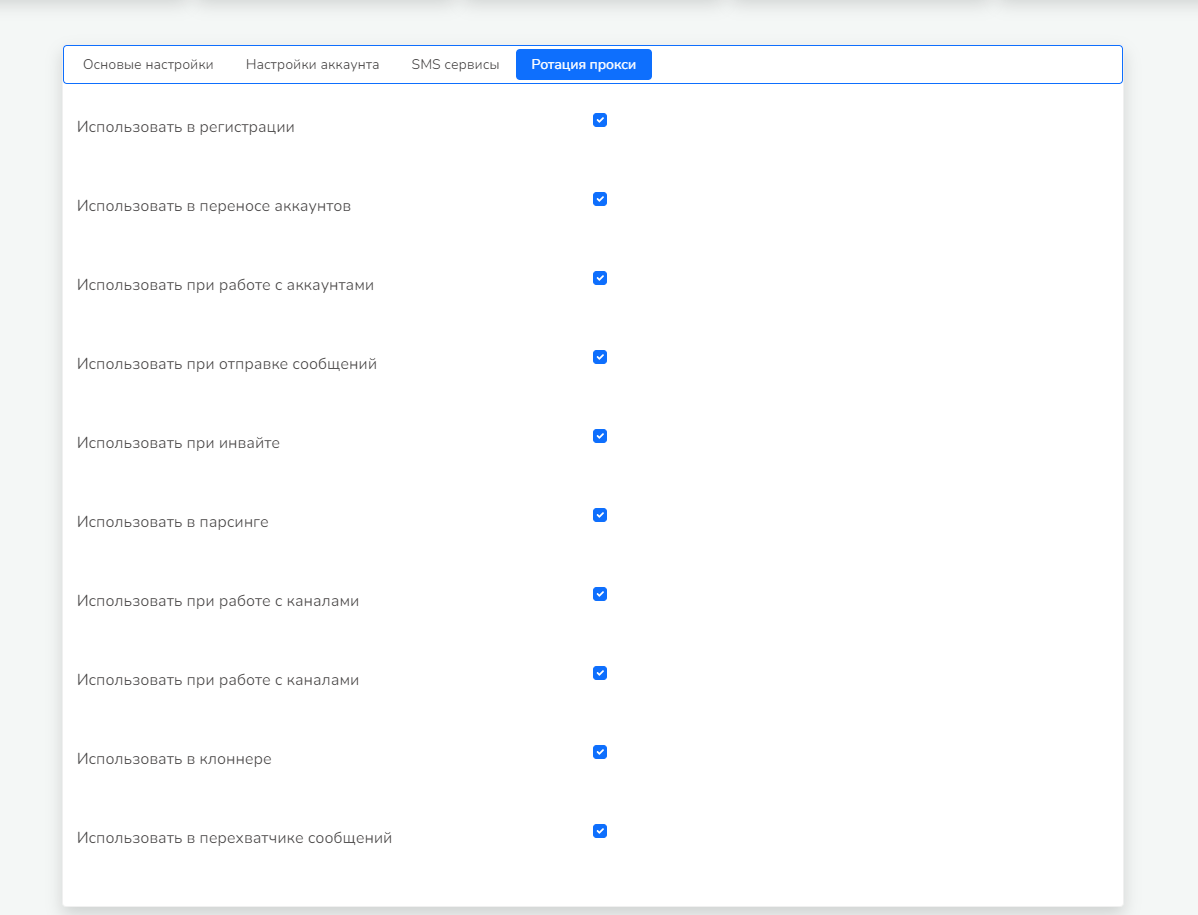
In the "Proxy Rotation" section, you can configure the rotation of the external IP address for proxies by switching via a link.
Don’t forget to save your settings after making changes. You can find more detailed information about Telegram Prime and other helpful articles in the table of contents for guides.