If you need to uninstall a program from your computer in Windows, you must follow a specific procedure. This article is intended for those who are unfamiliar with this process. For example, to uninstall Telegram Prime, you need not only to delete the program’s files from the folder but also to remove it from the Windows Registry to avoid potential security issues on your computer.

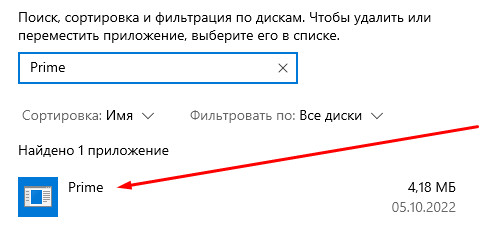
To uninstall the program, open the "Add or Remove Programs" option in Windows, search for "Prime," and select it. Then, follow the simple uninstallation procedure. Don’t forget that you can always find more helpful articles and guides in the table of contents—Guide Index.