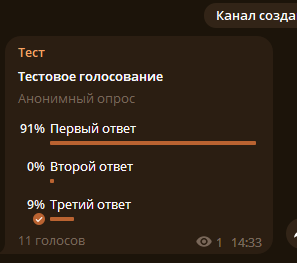
Want to consistently win Telegram polls and votes? With the Telegram Prime module, you can do this quickly, conveniently, and on a large scale. In this guide, we’ll walk you through the entire process of mass vote-stuffing in Telegram polls step by step.
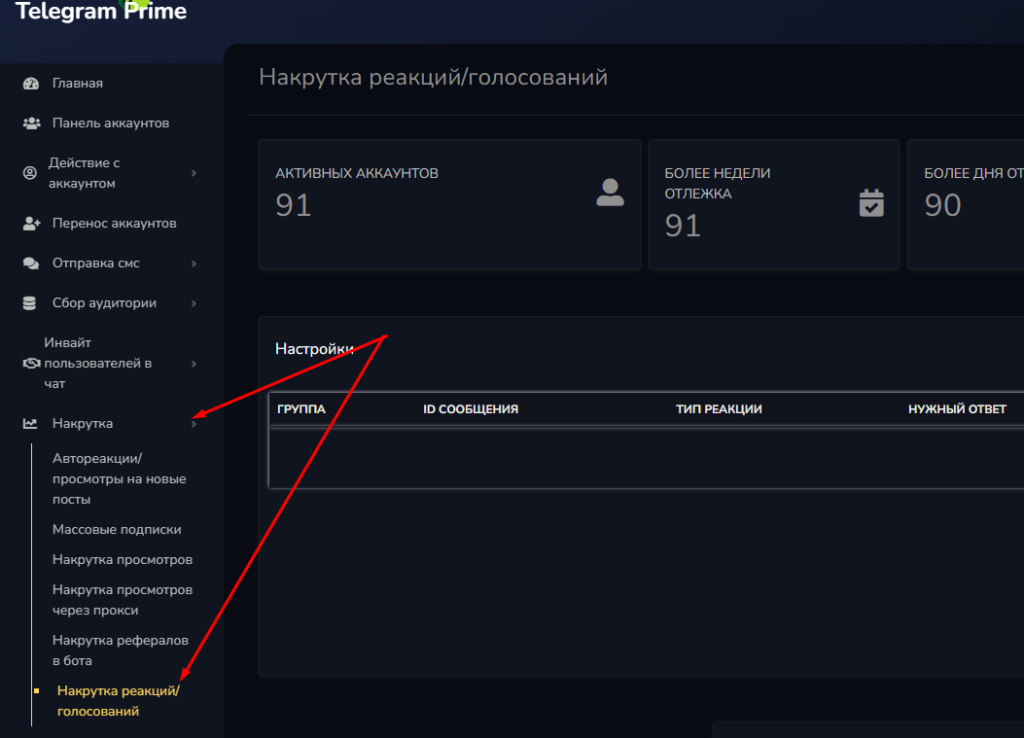
Step 1: Go to the Right Section Launch Telegram Prime and go to the section for managing polls and votes.
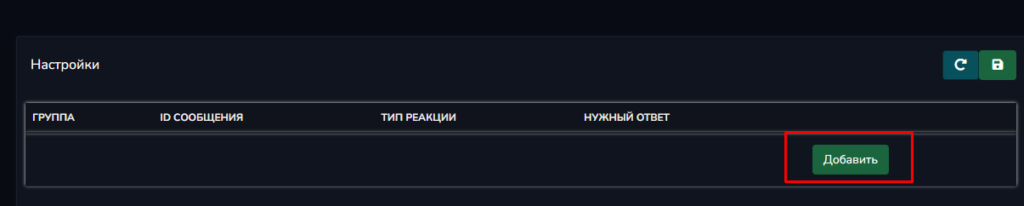
Step 2: Create a New Task Click the “Add” button to create a new task for boosting votes.
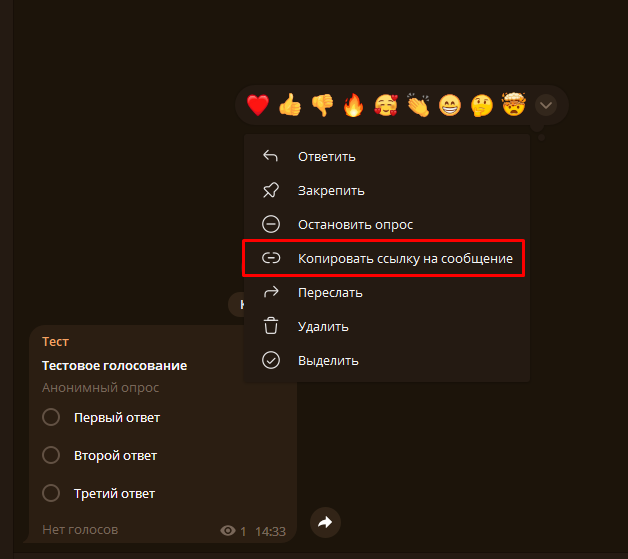
Step 3: Copy the Link to the Post Open the Telegram channel, find the post containing the poll, and copy the link to that post. This is a required step—without the link, the program won’t be able to identify the target.
Step 4: Paste the link into Telegram Prime. Return to the app and paste the copied link into the designated field.
Step 5: Select the reaction type—“Poll 2.0.” In the settings, select the “Poll 2.0” reaction type. This is important to ensure the app works correctly with polls.
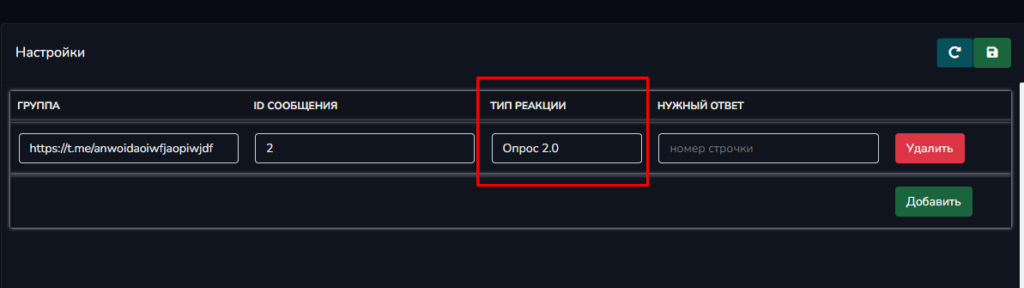
Step 6: Specify the answer option number. In Telegram Prime, the numbering of options starts at zero:
- 0 — the first line in the poll
- 1 — the second line in the poll
- 2 — the third line in the poll
For example, to boost votes for the second answer option, enter 1.
Step 7: Start the vote-boosting process Once you’ve finished configuring all settings, click the “Start” button and watch as the number of votes in your poll quickly increases.
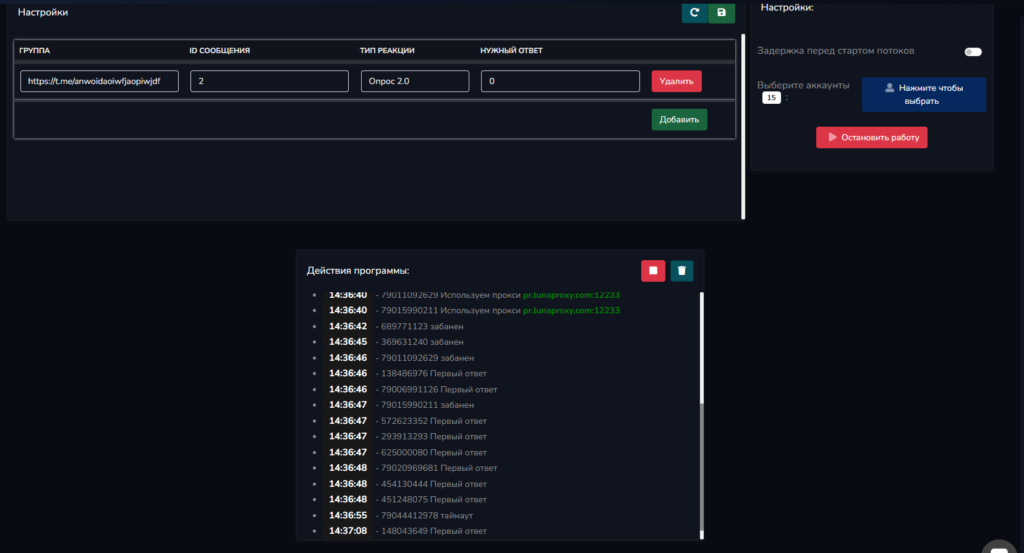
Result: In just a few minutes, you’ll see the answer you want steadily gain popularity in the Telegram poll. This method works consistently and effectively.