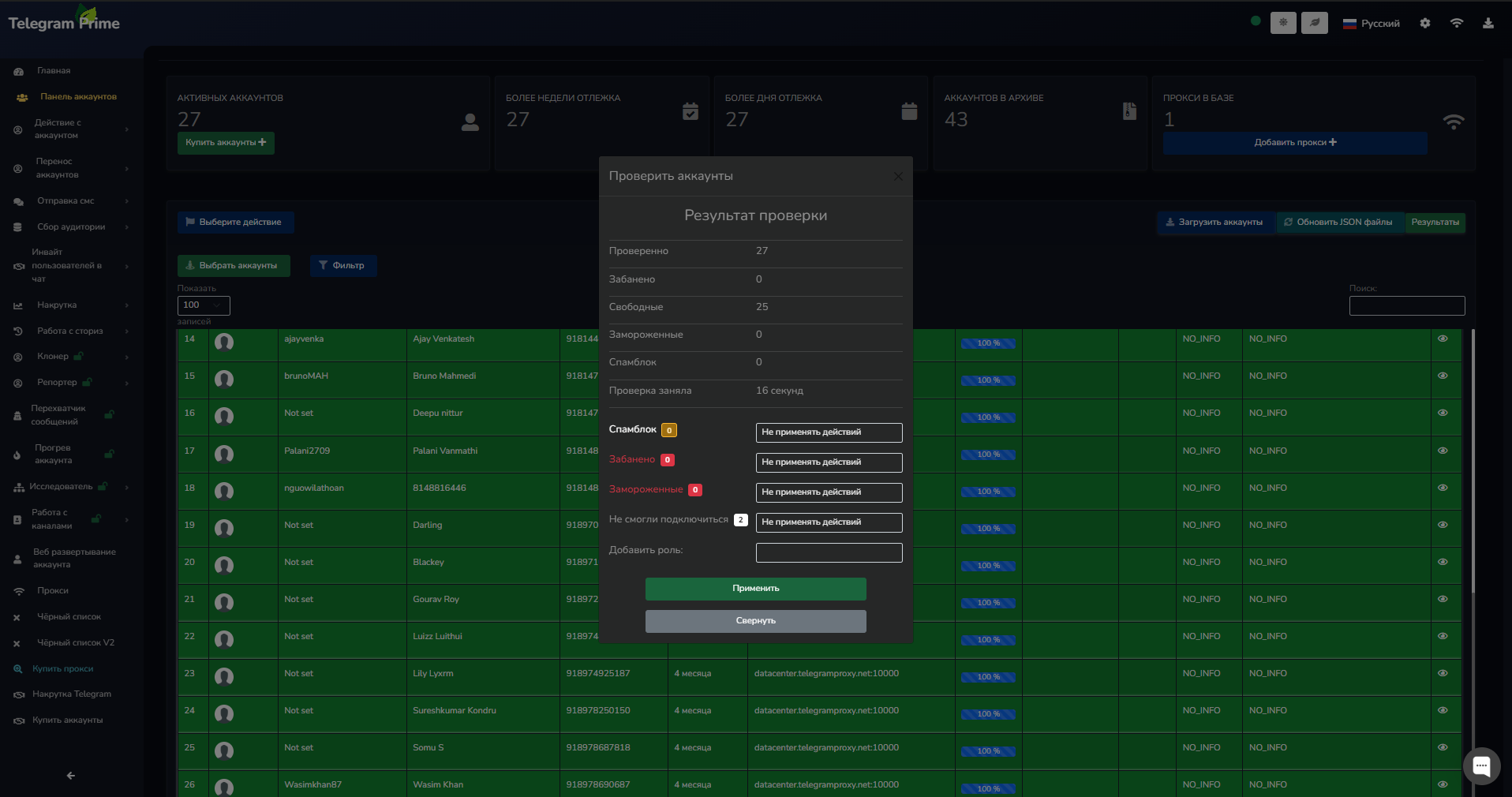
We’ll be adding Telegram accounts in JSON session
format. As a reminder, the Telegram Prime
program works specifically with this account format.
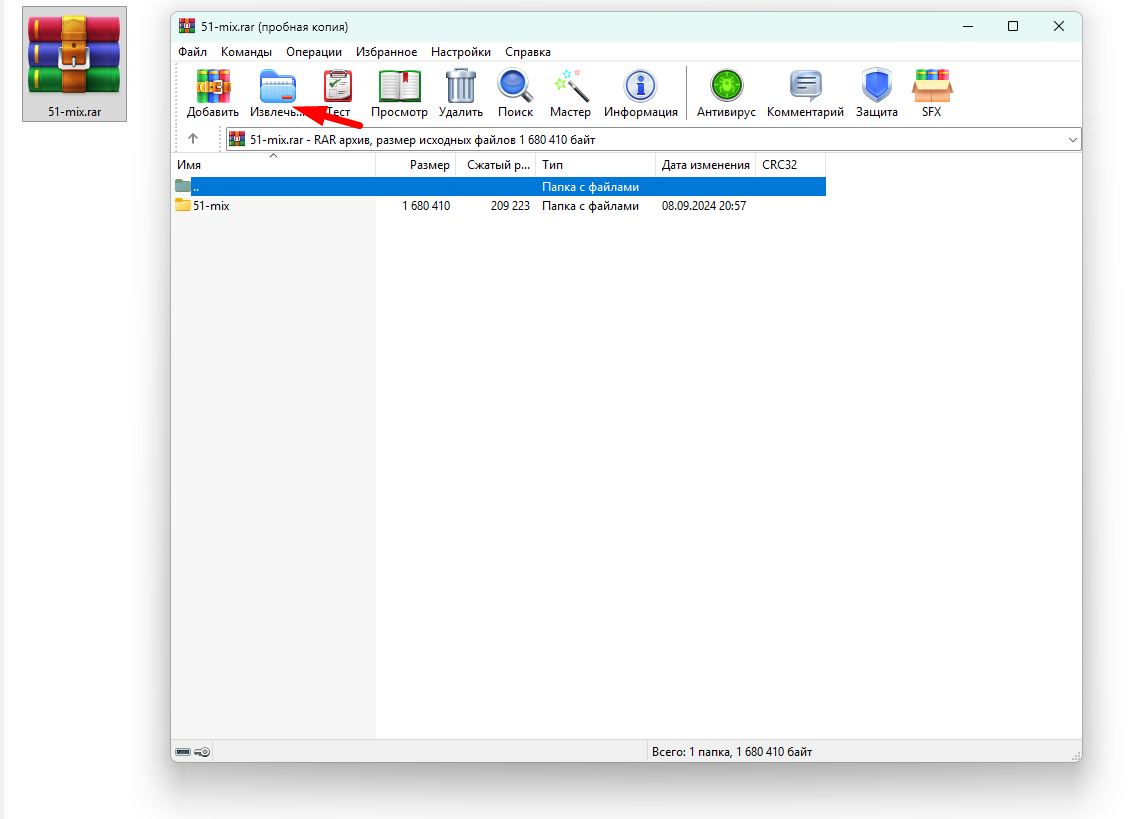
If you’ve purchased accounts, they’re usually in a compressed archive. You’ll need to extract them into a separate folder.
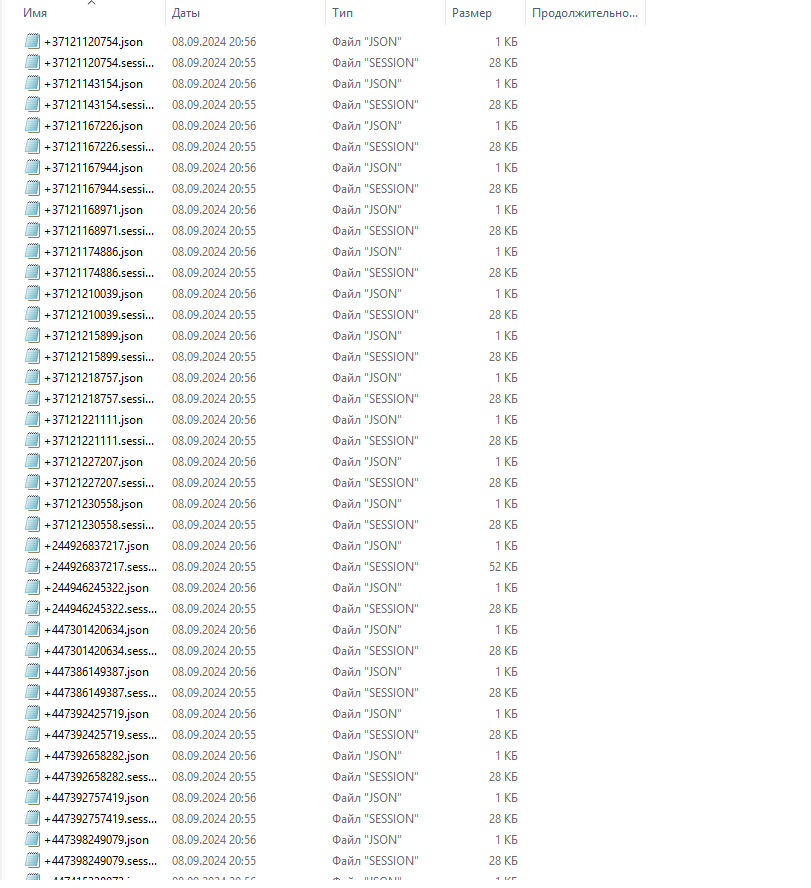
Telegram accounts in JSON session format will look like this:
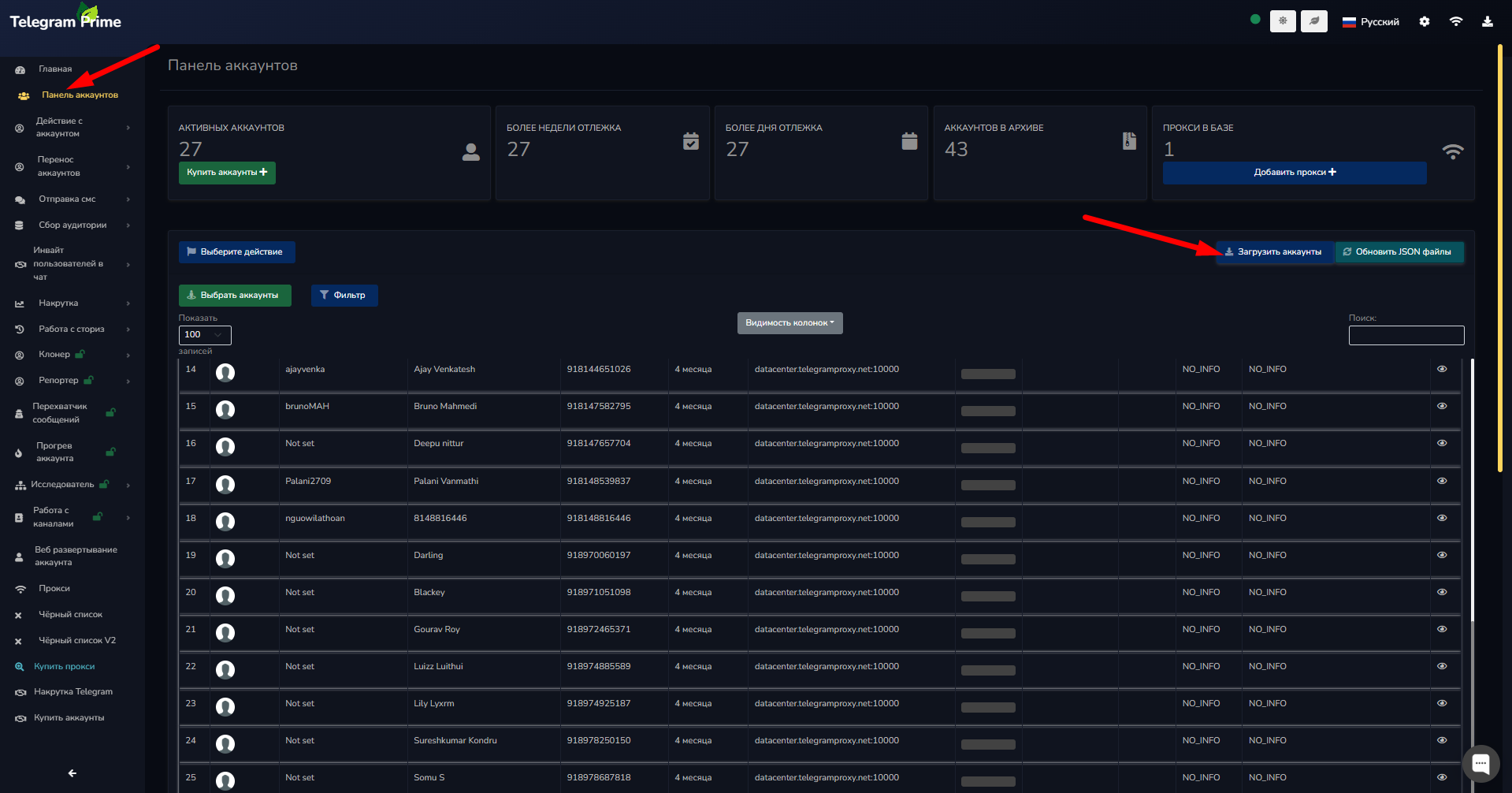
Next, in the program, go to the “Account Panel”
tab. In the upper-right corner, click
the “Import Accounts”
button and select the folder containing the accounts. The accounts will then be automatically imported into the program.
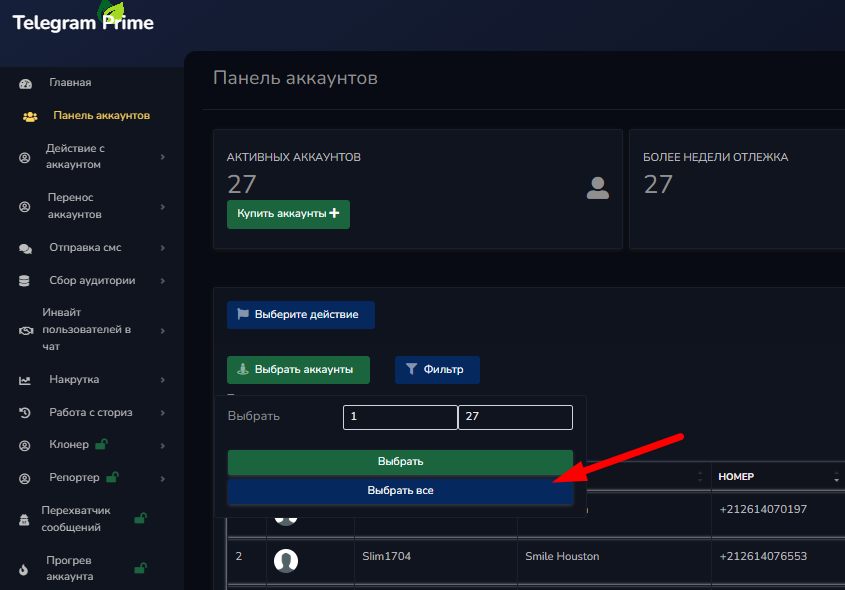
After importing, you can check the Telegram accounts for bans. To do this, click the “Select Accounts”
button and select all accounts or the specific ones you want.
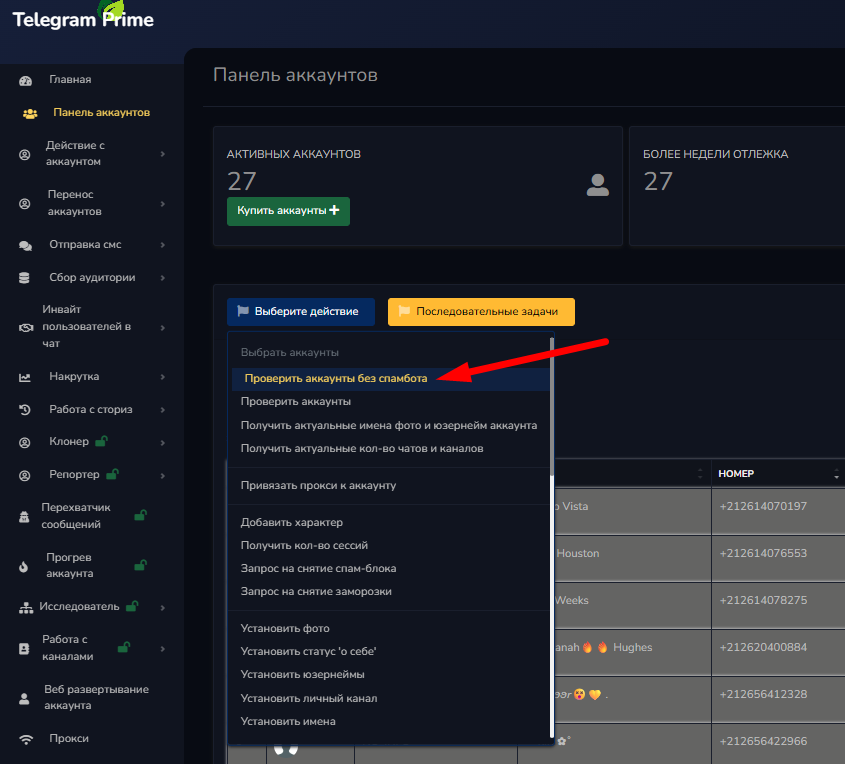
If the accounts are new and have not been used previously for mass messaging or inviting users, it is recommended to check them without a spam bot
to avoid lowering their quality.
If you’re reusing accounts and need to filter out blocked or restricted ones, use the spam bot
check to keep only active accounts.