We’ve covered what App Hash and App ID are in Telegram in detail in this article—What Are Telegram App Hash and App ID?
Now let’s figure out how to find tried-and-true parameters that aren’t spam and are suitable for use.
- Go to GitHub — github.com
- Sign up and use the search bar. Enter the query: Telegram app hash app id
- Go to the Code tab
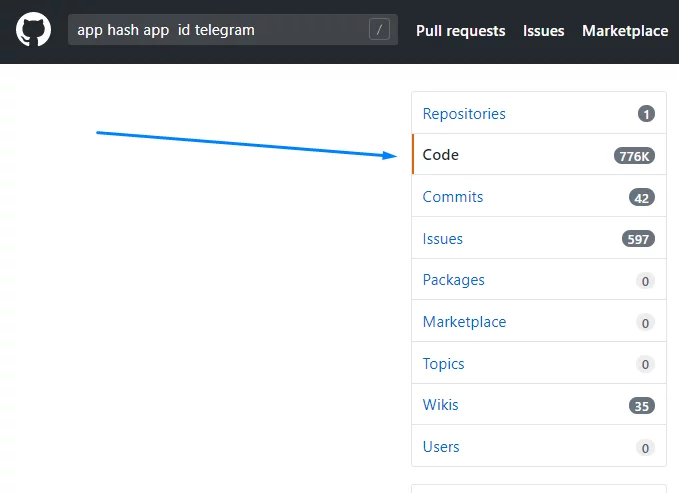
- Start looking for publicly available parameters that developers have left in the code of their projects.
- Find lines containing the App ID and App Hash
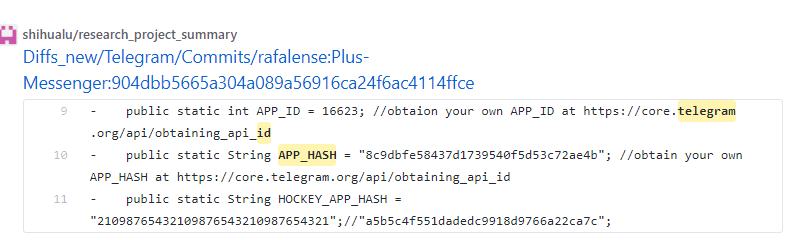
- Extract the values. For example: 16623 is the App ID, and 8c9dbfe58437d1739540f5d53c72ae4b is the App Hash. You can check whether these parameters have been used before on the parameter list page (using the Ctrl+F search).
- Next, you need to test the pair you found. Go to the program’s settings and specify the parameters:
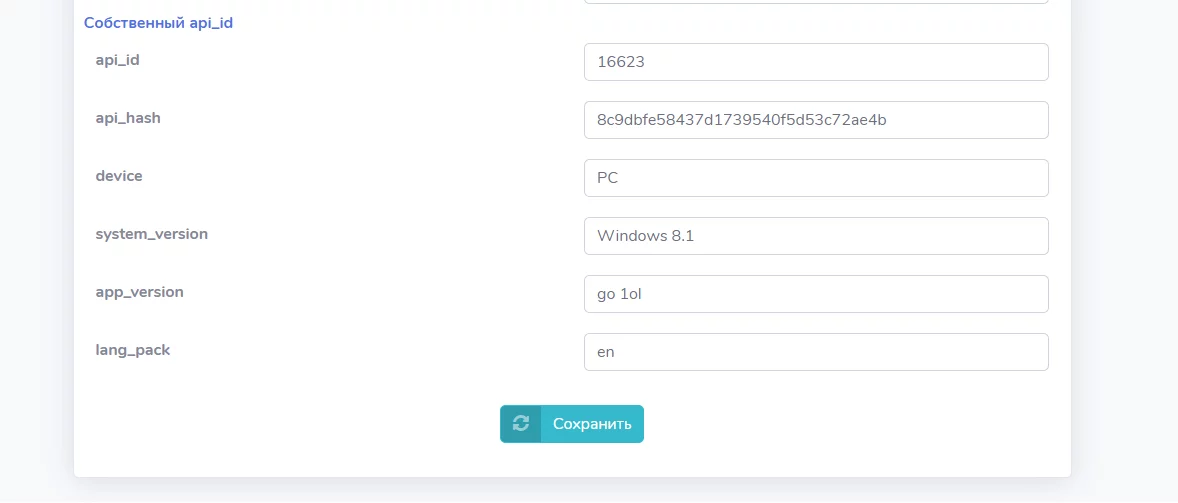
- The first two lines are the values you found. The remaining parameters can be set arbitrarily. It is recommended to enter “en” in the lang_pack field.
- Go to the registration section (after configuring the proxy and topping up your SMS service balance).
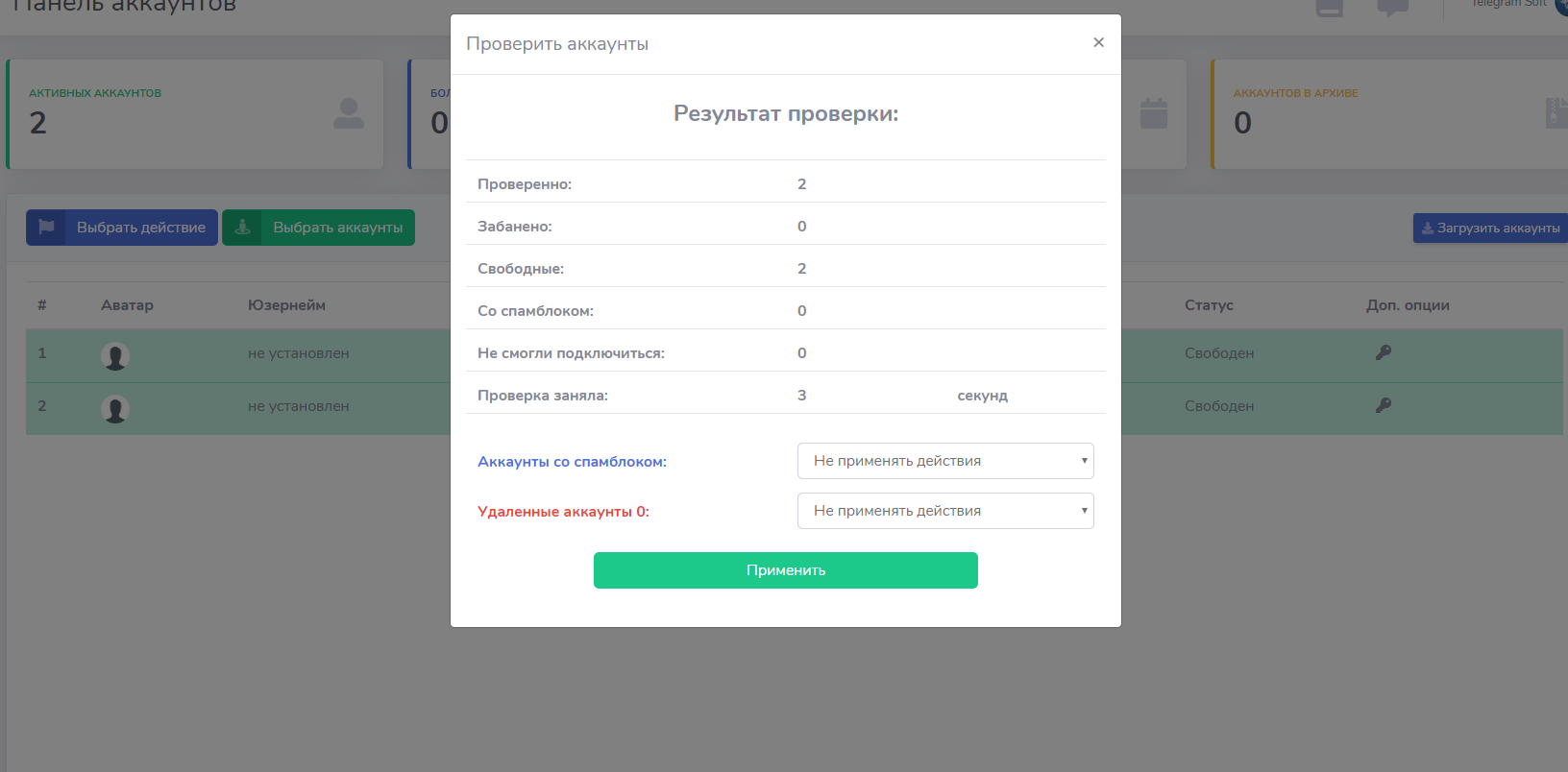
- It is recommended to register 2–3 accounts and test them for deletion. If the accounts are deleted, it means the parameters are no longer valid.
- If everything is working correctly, you’ll see the following result when checking the accounts:
Thank you for reading! We hope this method helped you figure out how to find the App ID and App Hash for Telegram. We’d appreciate your feedback.