Hello, dear friends! We decided to write a short article for you on how to use Telegram Prime to parse coordinates in Telegram.
(Another update will be released soon, so if you’re reading this article later, this feature in the program may look different.)
IMPORTANT: ONLY ACCOUNTS WITH AVATARS CAN PARSE USING THE MAP. These are Telegram’s rules.
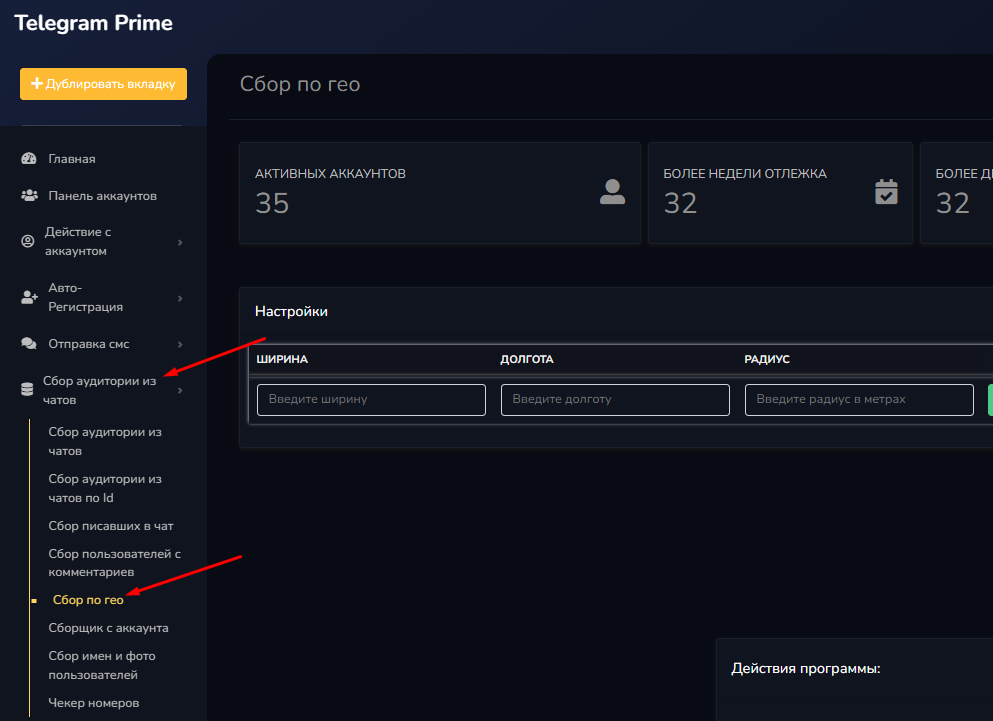
So, let’s imagine we’re a young cartographer, and we’re faced with the following tasks:

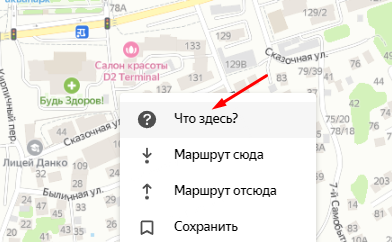
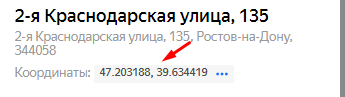
If we use Yandex.Maps, we can get the exact coordinates as follows:
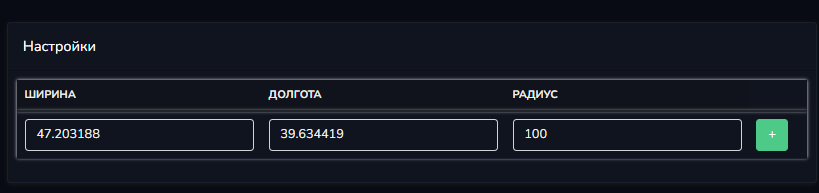
I’ll repeat: first enter the latitude, then the longitude. There’s no point in specifying a radius greater than 100 meters, since Telegram currently truncates results above that value.
By clicking the plus sign, we can add additional points to the map. I’ll skip over the tedious parts of filling in these points and move on to the settings.
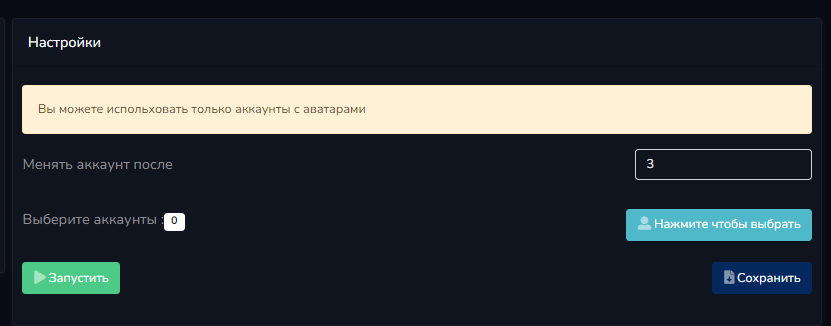
As you can see, there’s a reminder to set a profile picture and a limit on the number of points that can be measured per account. As a rule, I choose 3 points, since a larger number leads to blurry results. Perhaps some kind of hidden anti-spam protection is used here in Telegram, but we don’t have exact information about that.
So, we select the accounts and click "Start."
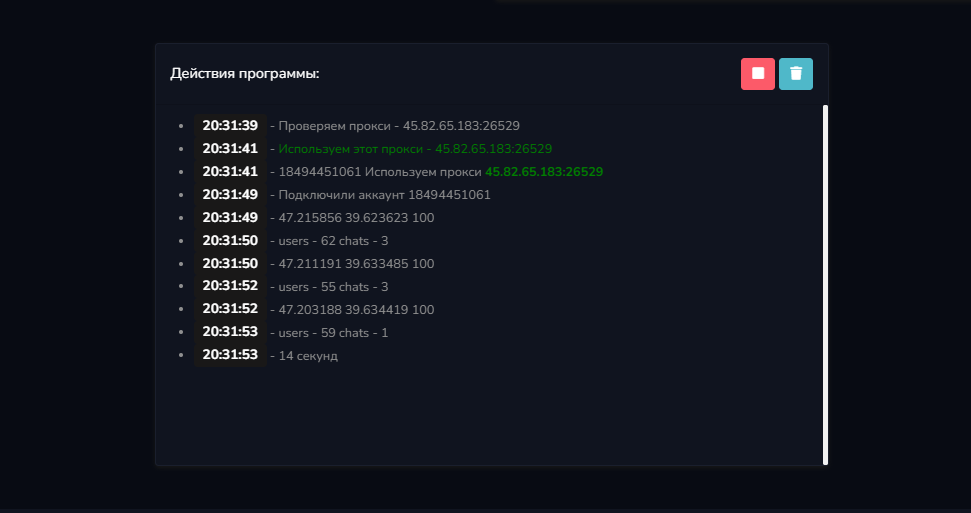
The program parses both chats and users. An example of the output is shown inside the file:
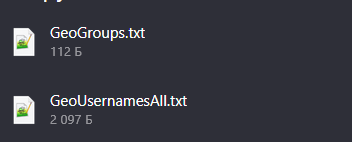
Groups: 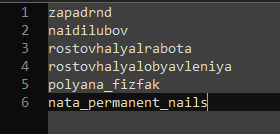
Usernames: 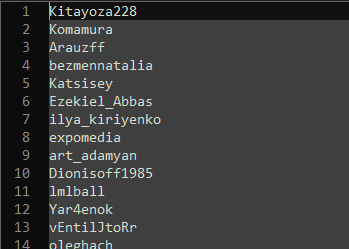
Phew!) If you have any questions, feel free to ask them in the comments.
Don’t forget that you can find even more helpful articles in the Table of Contents for Guides.